The Certified VMware vSphere: Install, Configure, Manage [V8] Course Overview program is designed to equip professionals with the essential skills to become proficient in VMware vSphere: Install, Configure, Manage [V8] Course Overview.
Through hands-on labs, real-world simulations, and cutting-edge AI-driven tools, participants will become proficient in ethical hacking techniques and critical cybersecurity practices for defending against traditional and modern AI-powered threats.

I enroll for CISM Training & Certification. All the team members of Cyber Defentech are very good & very supportive. Thank you all the team. Highly recommend for ISACA trainings and Certification. Thank you Nitish.
.webp)
.webp)
Best institute for cyber security course, I do certified ethical hacking (ceh v13) training and certificate form cyber defentech. Puja mam and Nitish sir is very supportive. I am very thankful for cyber defentech team.Any one to do any cyber security training and Certification go for cyber defentech.
.webp)
I join here for certified ethical hacking training and certification, puja mam is very supportive, faculty is to good 👍. Cyber Defentech is best for any one want to do cyber security training and certifications.👍
.webp)
I’m beyond excited to announce that I’ve officially earned my Certified Ethical Hacker (CEH) certification! by EC-Council This milestone marks a significant step in my cybersecurity journey, and I couldn’t have done it without the incredible support of Nitish Pathak, Vipin Yadav, Cyber Defentech mentorship, encouragement, and belief in me pushed me to stay focused and achieve this goal.
.webp)
I am pleased to share that I have successfully cleared the CEH Practical certification from EC-Council. I appreciate the support provided by the EC-Council proctor, who ensured a seamless exam experience. A special thank you to Nitish Pathak for facilitating access to the necessary labs and training resources, which helped in streamlining the preparation process.
.webp)
I had a great experience learning and pursuing my Certified Ethical Hacker (Practical) by EC-Council. The instructors are very helpful and I would like to recommend it to anyone who are looking to pursue their careers in Cyber Security. Thanks to Cyber Defentech for the guidance.
.webp)
I’m beyond excited to share that I have officially earned the hashtag#CertifiedEthicalHacker (Practical)certification from EC-Council. This achievement validates my hands-on skills in ethical hacking, penetration testing, and cybersecurity defense. 🛡️ A special thanks to Cyber Defentech Institute for their incredible support and guidance throughout this journey. 🙌
.webp
)
.webp)
It is my pleasure to share that I have successfully completed the Certified Ethical Hacker delivered by EC-Council . Special thanks for supporting Nitish Pathak and Cyber Defentech team for valuable support and guide.
I am pleased to share that I have successfully cleared the CEH Practical certification from EC-Council. I appreciate the support provided by the EC-Council proctor, who ensured a seamless exam experience. A special thank you to Nitish Pathak for facilitating access to the necessary labs and training resources, which helped in streamlining the preparation process.
I’m beyond excited to announce that I’ve officially earned my Certified Ethical Hacker (CEH) certification! by EC-Council This milestone marks a significant step in my cybersecurity journey, and I couldn’t have done it without the incredible support of Nitish Pathak, Vipin Yadav, Cyber Defentech mentorship, encouragement, and belief in me pushed me to stay focused and achieve this goal.


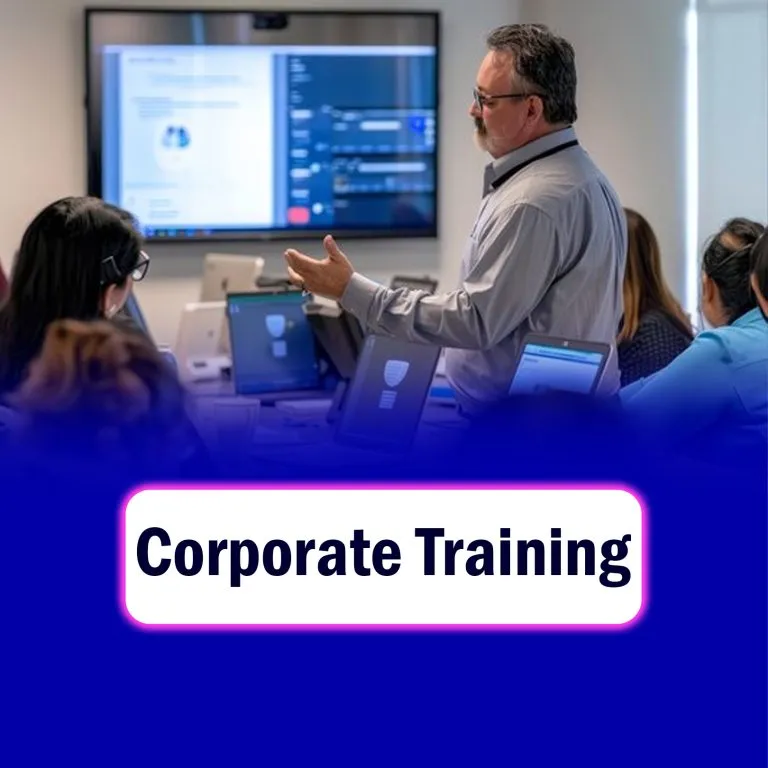
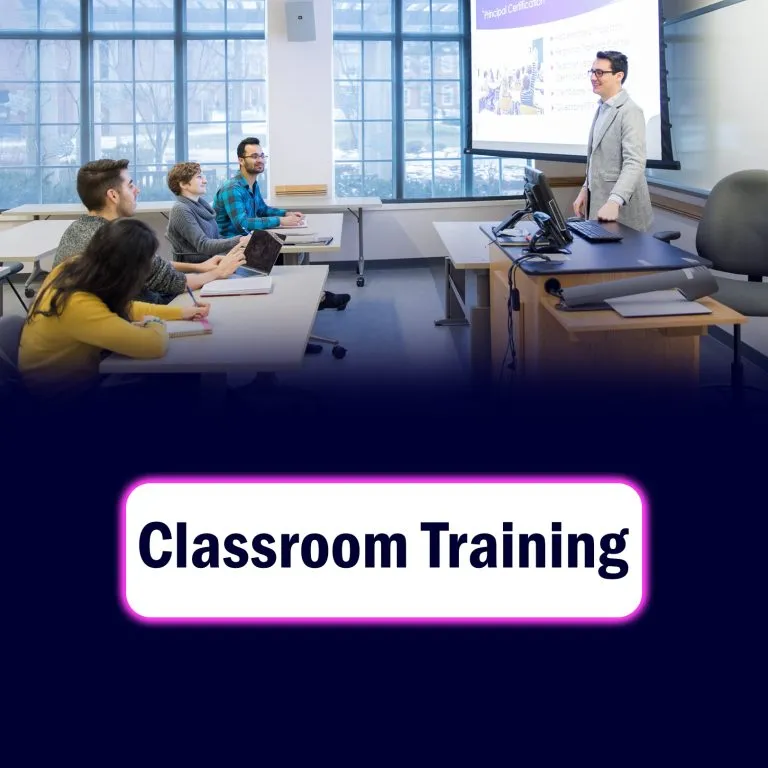


The VMware vSphere: Install, Configure, Manage [V8] course provides the foundational skills to install, configure, manage, and administer VMware vSphere 8 — the industry-leading virtualization platform. It introduces learners to ESXi hosts, vCenter Server, and virtual machine management, helping build, operate, and secure a virtualized data center infrastructure.
There’s no strict academic requirement, but you should have: Completed 12th standard (any stream, preferably science or computer-related) Basic familiarity with computers and operating systems (Windows/Linux) You don’t need a college degree to take the course — but you’ll need to understand how servers, storage, and networking work at a basic level.
1. Describe the architecture and key components of VMware vSphere 8, including ESXi hosts, vCenter Server, and virtual machines. 2. Install and configure ESXi hosts and deploy vCenter Server Appliance (VCSA) for centralized management. 3. Create, configure, and manage virtual machines (VMs), templates, and snapshots for efficient workload deployment. 4. Configure and manage vSphere networking using standard and distributed virtual switches to provide connectivity for virtual environments. 5. Configure and manage vSphere storage, including VMFS, NFS, iSCSI, and vSAN datastores. 6. Assign roles and manage permissions to control user access securely within vCenter. 7. Apply resource management techniques using vSphere Distributed Resource Scheduler (DRS) and vMotion for workload balancing. 8. Configure and manage vSphere High Availability (HA) for automatic recovery from host and VM failures. 10. Implement vSphere Lifecycle Management (vLCM) to patch and upgrade ESXi hosts. 11. Secure vSphere infrastructure through host hardening, certificate management, and VM encryption. 12. Monitor system performance using vCenter statistics, events, and alarms for proactive operations. 13. Back up, restore, and troubleshoot vCenter and ESXi configurations to ensure environment reliability. 14. Describe the benefits of vSphere 8 features such as ESXi Quick Boot, vCenter High Availability, and vSphere Configuration Profiles.
🔹 Module 1: Design a Zero Trust Strategy and Architecture Learn how to build a Zero Trust security model across all layers of the enterprise. Key topics: Zero Trust principles and architecture Designing identity and access strategy Implementing micro-segmentation Designing secure network boundaries and connectivity Designing a Zero Trust governance and compliance model 🔹 Module 2: Evaluate Governance Risk Compliance (GRC) Technical Strategies Focus on designing governance and compliance controls aligned with organizational policies. Key topics: Designing a security operations governance strategy Designing for regulatory compliance (ISO, NIST, GDPR, etc.) Developing risk management frameworks Defining policies for data governance and classification Implementing audit and monitoring practices 🔹 Module 3: Design Security for Infrastructure Learn to secure on-premises, hybrid, and cloud infrastructure (including Azure). Key topics: Designing secure hybrid and multi-cloud environments Network segmentation and protection in Azure Designing workload protection strategies Implementing endpoint security (Microsoft Defender for Endpoint) Designing for resilience and disaster recovery Securing platform services (Azure App Service, Functions, Kubernetes, etc.) 🔹 Module 4: Design Security for Applications and Data Understand how to secure apps, APIs, and data through architecture design. Key topics: Designing identity and access management for applications Secure application lifecycle management (DevSecOps) Protecting APIs with Azure API Management and Microsoft Entra Data classification and encryption strategies Designing for data loss prevention (DLP) and insider risk management 🔹 Module 5: Design Security Operations (SecOps) Develop an effective security operations and incident response strategy. Key topics: Designing Microsoft Sentinel (SIEM) and Microsoft Defender XDR integrations Designing incident response and threat intelligence workflows Automating remediation with Microsoft Security tools Designing logging, monitoring, and reporting systems Building a unified security operations framework
Yes — after completing the VMware vSphere: Install, Configure, Manage [V8] course you become eligible to pursue official certification. Specifically: The course prepares you for the VMware Certified Professional – Data Center Virtualization (VCP‑DCV) credential. Broadcom +3 New Horizons +3 VMware Blogs +3 VMware’s certification site lists the VCP-DCV as the certification validating skills in implementing, managing and troubleshooting a vSphere 8.x infrastructure.
There are steady job opportunities for virtualization specialists (administrators/engineers) who know tools like VMware vSphere, VMware ESXi, vCenter Server etc. For example a job posting for “VMware Administrator” lists responsibilities: install, configure/manage vSphere, monitor performance, handle backup/recovery.
© Cyber defentech is Proudly Owned by Cyber defentech



 (1) (1).webp)
.webp)
.webp)



 (2).webp)